
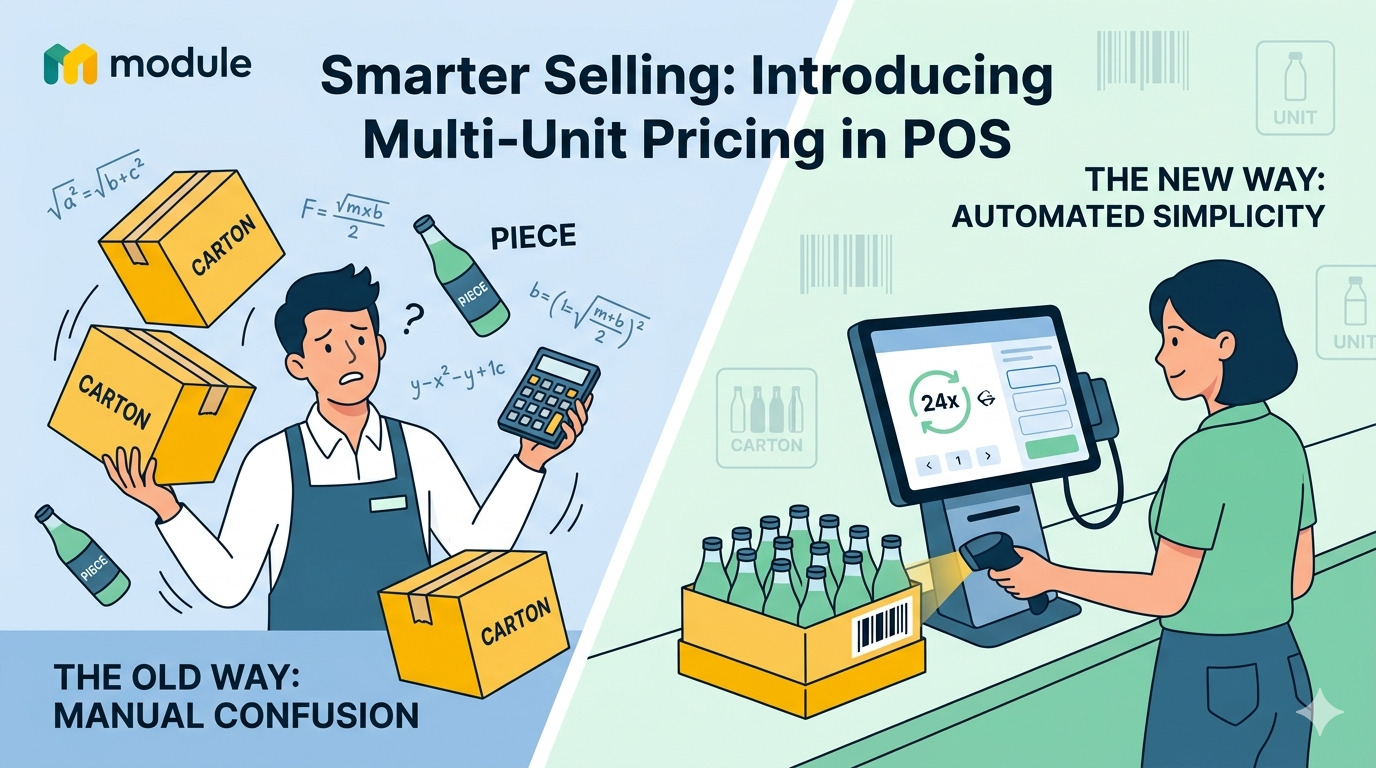
Smarter Selling: Introducing Multi-Unit Pricing in POS
Sell by the piece. Sell by the carton. Price by the customer. Let the system handle the rest.
The Problem We Solved
Running a wholesale-retail hybrid business has always meant juggling complexity manually. Cashiers had to remember which customers get which prices. Stock counts got messy when products were sold in bundles. Purchase orders received in cartons somehow had to be converted to individual units by hand. Mistakes were inevitable.
We built the Multi-Unit Pricing module to eliminate all of that.
What Is It?
Multi-Unit Pricing lets every product variant exist in two dimensions simultaneously:
- A minor unit — the base sellable unit (e.g. a single Bottle)
- A major unit — a grouped bundle (e.g. a Carton of 24)
Each unit carries its own retail and wholesale price. Stock is always tracked in minor units under the hood, and every conversion happens automatically — whether you're ringing up a sale, receiving a delivery, or processing a refund.
Key Features at a Glance
Four prices per variant, zero manual switching
Every product variant can carry up to four price points:
Wholesale pricing is opt-in per variant — so products that are retail-only stay clean, with no unused fields cluttering the interface.
Customer-level pricing tiers
Each customer in the system has a pricing_tier — either Retail or Wholesale. When a wholesale customer is selected at the kiosk, the system automatically resolves wholesale prices. The cashier does nothing differently. No dropdowns. No guessing.
If a product doesn't have wholesale pricing configured, the system silently falls back to retail. No errors, no interruptions.
Minimum Order Quantity (MOQ) — with a soft touch
Wholesale pricing often comes with minimums. You can define a minimum order quantity (in minor units) per variant. If a wholesale customer's cart doesn't meet that threshold, the kiosk shows a clear yellow MOQ badge on the affected line — but the sale is never blocked. Your staff stays informed; your sales never stall.
Scan a carton, ring up a carton
Each major unit can carry its own barcode. Scanning a carton barcode at the kiosk adds one carton line to the cart — priced at the major unit price. Inventory is automatically deducted by the conversion factor (e.g. 24 pieces per carton). The cashier just scans; the system does the math.
A UOM toggle button on every cart line lets staff switch between Piece and Carton mid-transaction. If the other unit already exists in the cart, quantities are merged intelligently.
UOM-aware purchase orders
When receiving stock, each line on a Purchase Order can be marked as received in minor or major units. Receive 10 cartons of 24? The system adds 240 to stock automatically. No spreadsheets, no manual multiplication.
Products can also be looked up on a PO by their major unit barcode — useful when receiving deliveries directly from supplier labels.
Refunds that actually make sense
Refunds follow the original unit of sale. Sold a carton? Refund a carton — 24 pieces are restored to stock automatically.
But what if a customer bought a carton and only wants to return 3 pieces? The system supports partial piece-level refunds from a major-unit line. The per-piece price is snapshotted at sale time (unit_price_per_base), so the refund amount is calculated precisely — no rounding ambiguity from dividing the carton price.
A living unit library
The module ships with a seed of ~47 standard units — Piece, Carton, Kilogram, Litre, Metre, Hour, and more — bilingual (Arabic + English) out of the box. Units can be activated, deactivated, or created from scratch. Inactive units disappear from all dropdowns without being deleted.
Seeding is idempotent: run it multiple times, nothing duplicates.
How the Price Resolution Works
When the kiosk resolves a price, it follows a clear decision chain:
No surprises. No wrong prices reaching the receipt.
Real-World Example
Bottled Water — 500 ml
A retail customer buying 3 bottles pays 4.50. A wholesale customer scanning two carton barcodes pays 50.00 — and if they only scan one carton, the MOQ badge flags it for the cashier without blocking the sale.
Built Into the Workflow
There's nothing extra to install or configure at the point of sale. The feature integrates into:
- The kiosk (scanning, cart, UOM toggle, advisory badges)
- The product form (unit and pricing fields per variant)
- The customer form (pricing tier selector)
- Purchase orders (per-line unit selection, UOM-aware stock receiving)
- The refund flow (UOM-matched, with partial minor-unit override support)
Multi-Unit Pricing removes an entire category of manual effort from daily operations — and it does it transparently, so the people using the system barely notice the complexity it's absorbing.