
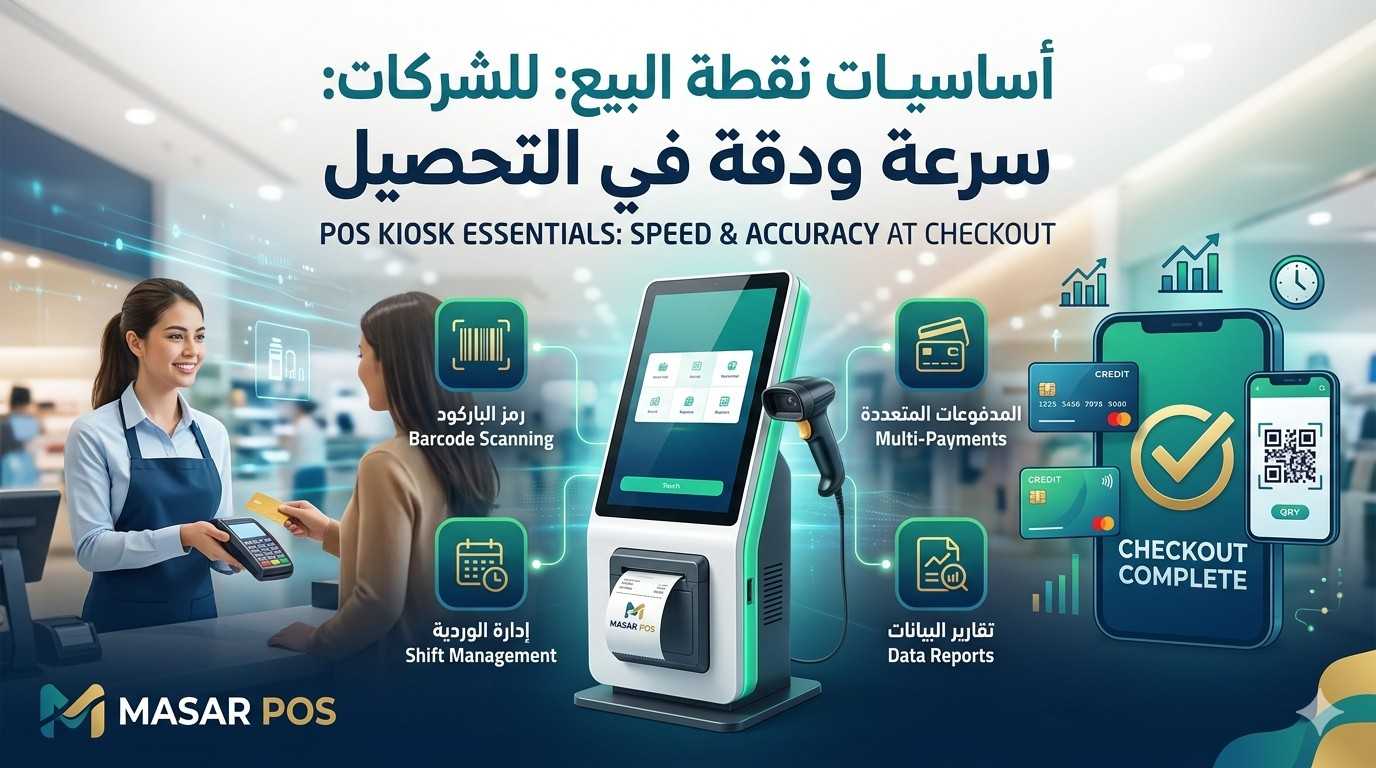
POS Kiosk Essentials: The Complete Guide to Speed & Accuracy
Where customer service transforms into real revenue.
The **Point of Sale (POS)** is the heart of your retail operation. **MASAR POS** delivers a high-performance, browser-based kiosk experience designed for the professional cashier who needs speed and reliability at their fingertips. The interface is built to unify scanning, totaling, payment processing, and receipt printing into one seamless motion.
Cashier's Speed Checklist
- ✓ Item Input: Rapid scanning via barcode or instant search.
- ✓ Adjustments: Apply authorized discounts instantly.
- ✓ Payments: Support for all enabled payment methods.
- ✓ Receipts: Immediate thermal (80mm) receipt printing.
Your Visual Guide to the Fast Checkout Cycle
To streamline operations, we utilize a standardized 5-step checkout cycle. The following workflow visualizes this cycle, integrated with automated data syncing:
Action: Secure login, branch selection, and scanner check.
Ensures sales deduct from the correct local inventory.
Action: Use barcode scanner or smart search for rapid entry.
Accuracy starts here. Keep equipment charged for zero delays.
Action: Review totals and apply role-based discounts.
Supervisor approval logic maintains security on big price edits.
Action: Accept Cards, Cash, or QR payments. Clear "Change Due" display.
Multi-tender options drive checkout speed and customer satisfaction.
Action: Print thermal receipt and finalize the transaction.
Full ZATCA E-invoicing compliance is automatically handled.
Data Integration: Beyond the Sale
Inventory
Real-time stock deduction per branch.
Reports
Live data synced to headquarters.
Customers
Automatic updates to loyalty & history.
Shift Management: The Daily Rhythm
OPEN SHIFT
Verify branch settings and run a test scan on a few items.
DURING SHIFT
Maintain discipline; void and return items only with manager approval.
CLOSE SHIFT
Perform cash reconciliation and lock in the day's business intelligence.